
Set up the season, go live with a scorebug, score ball by ball and get a clip of every four, six and wicket. Members follow in the app; everyone else watches on your club page or YouTube.
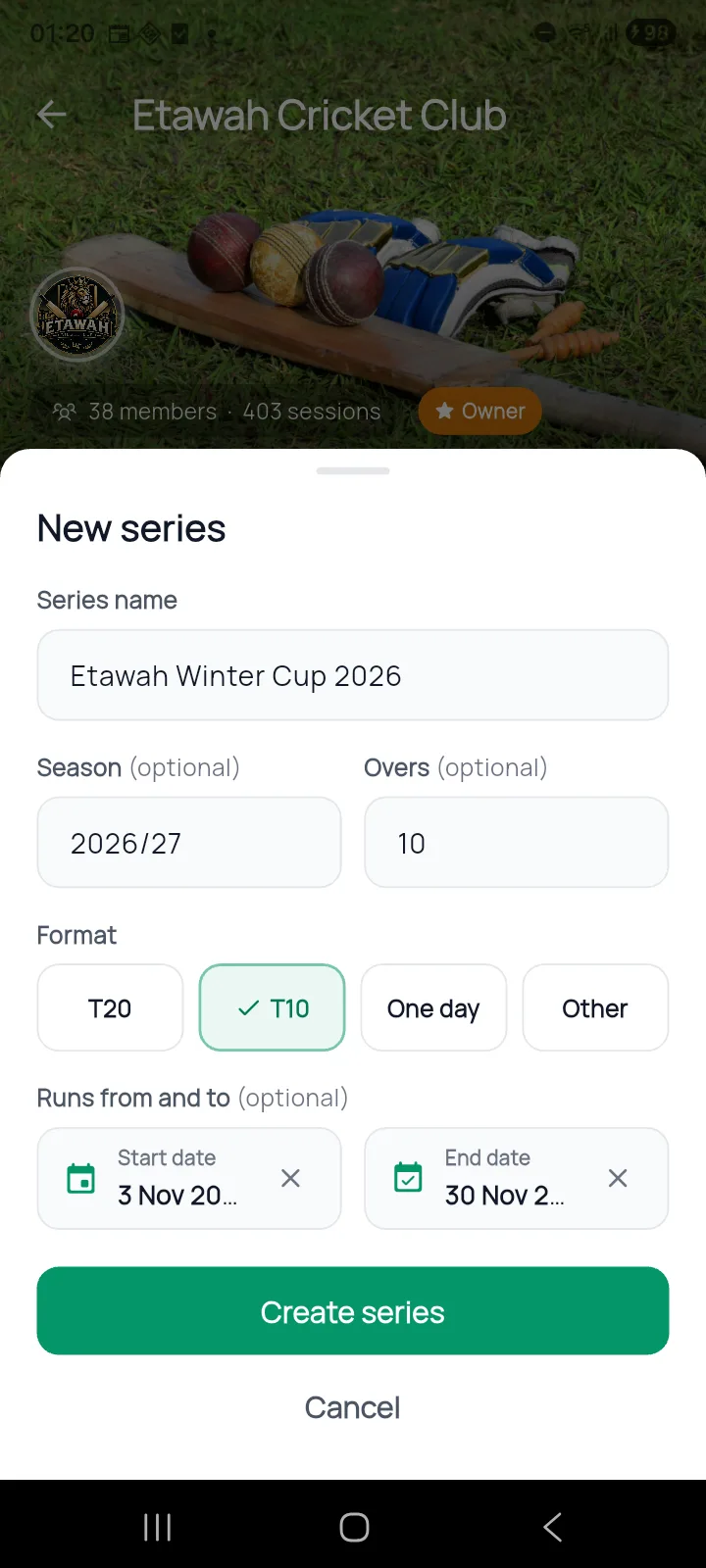
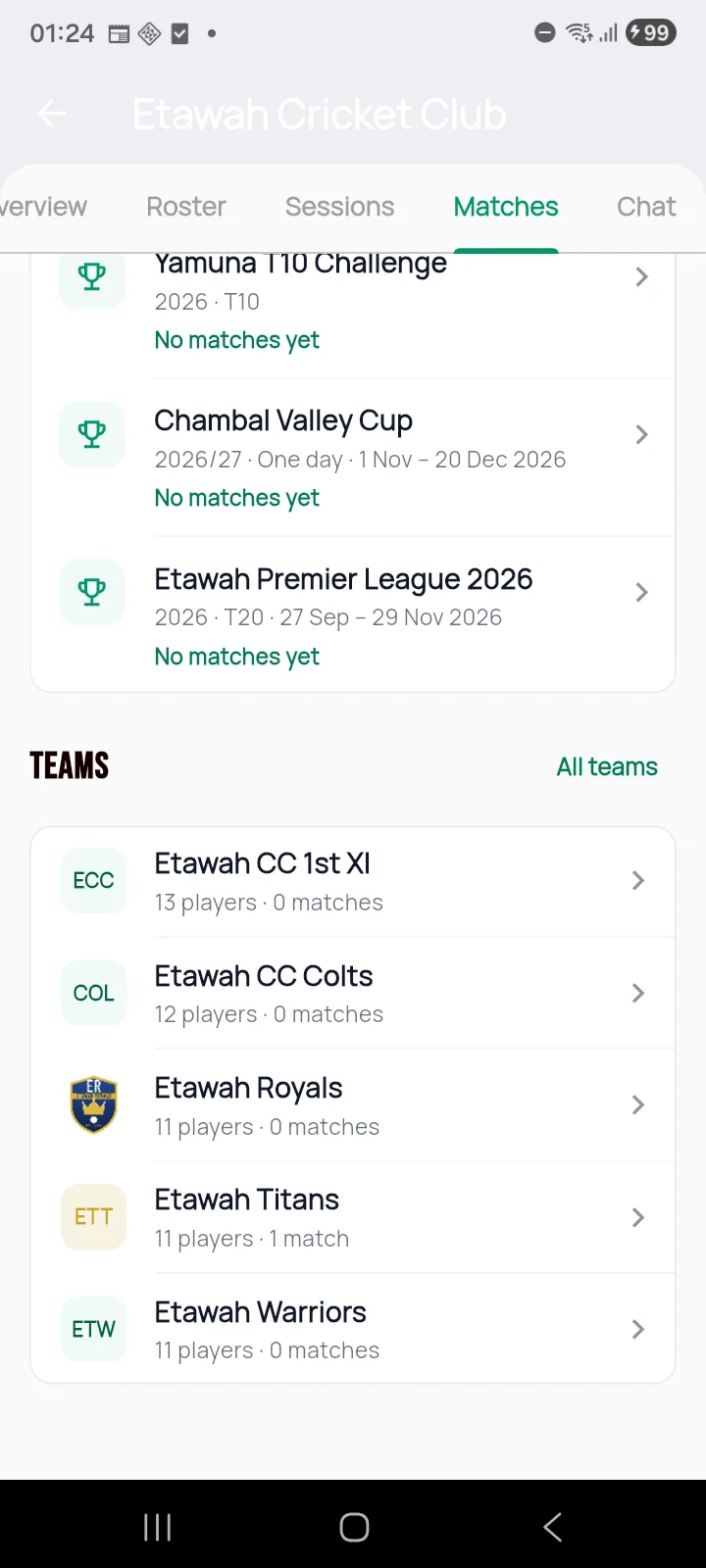
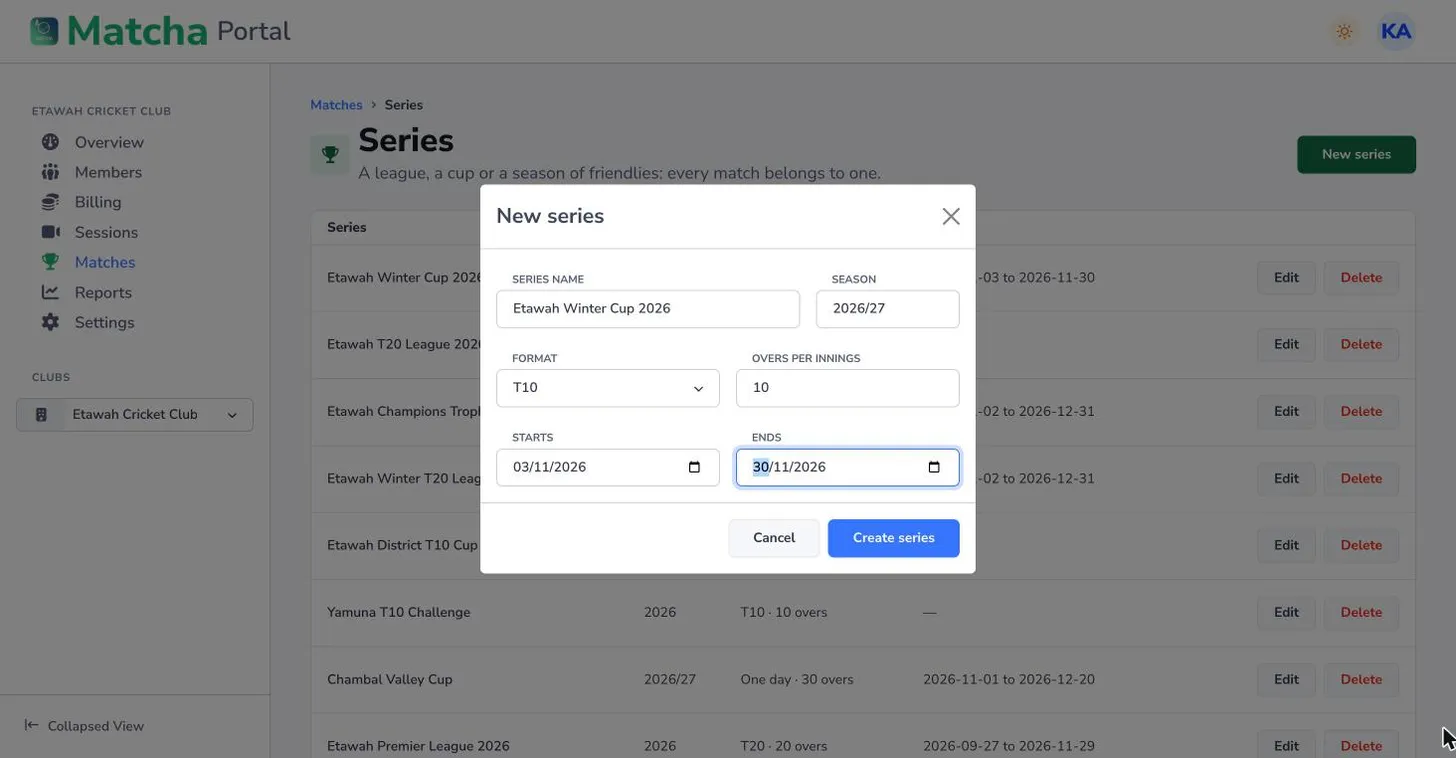
Create a season or a competition, add your teams and players once, and schedule each fixture with its venue, overs and crew: who scores, who films, who coordinates. In the app or on the web portal.

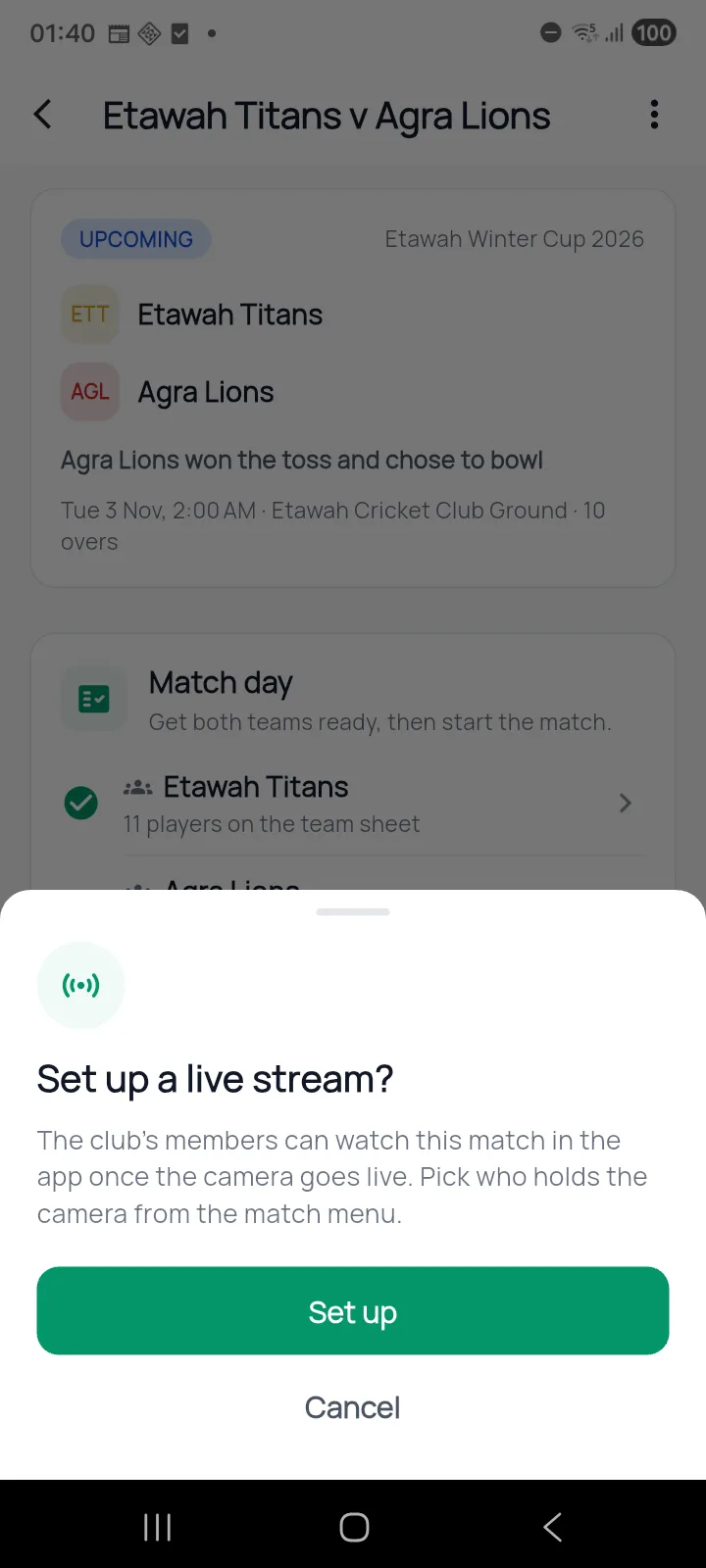
Fill in both team sheets, record the toss, pick the phone that films and start the stream. The camera phone shows a live heads-up display with the score.
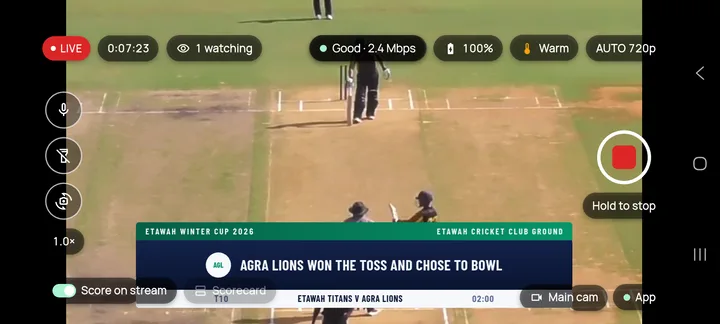
The scorer's pad takes runs, extras, wickets and bowler changes with one tap each, undo included. Every member of the club follows the live score in the app.
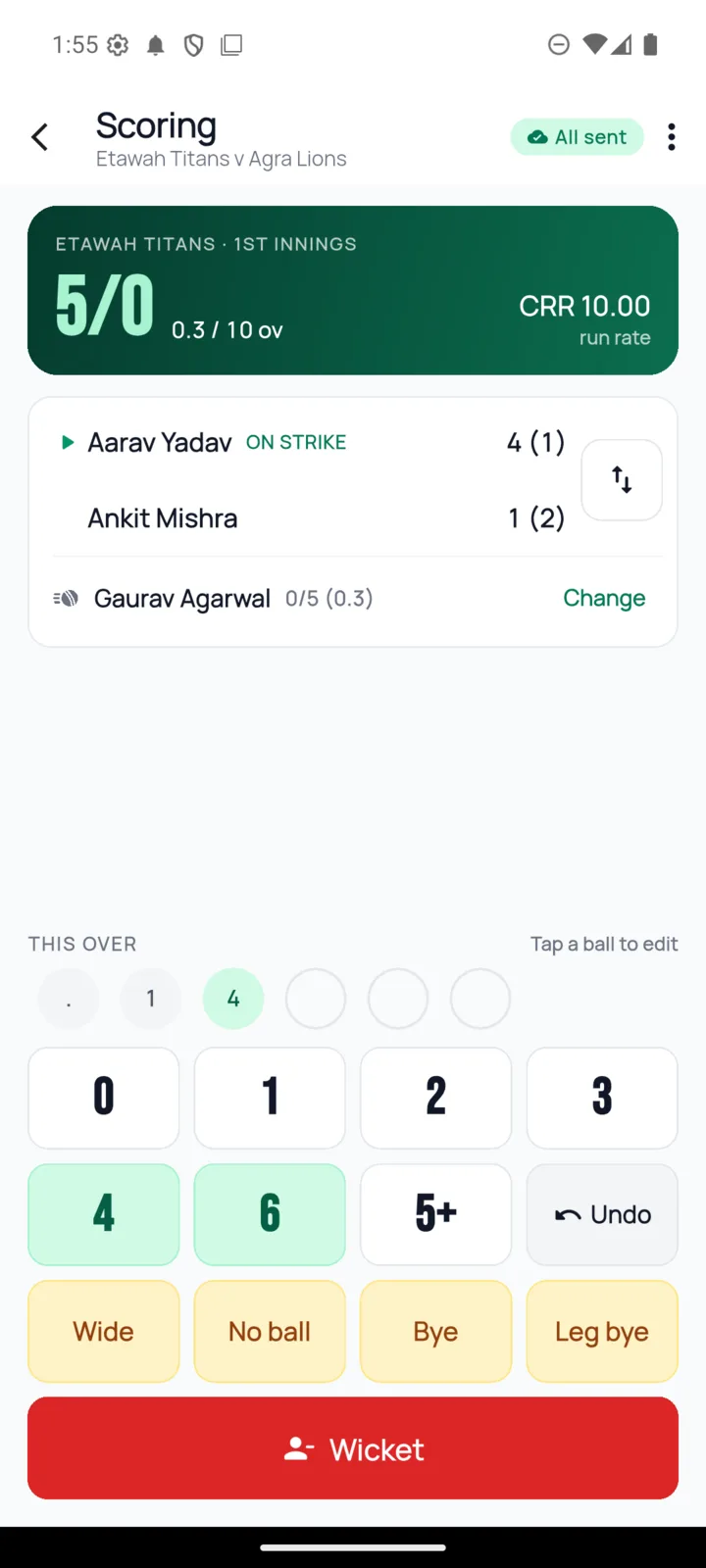
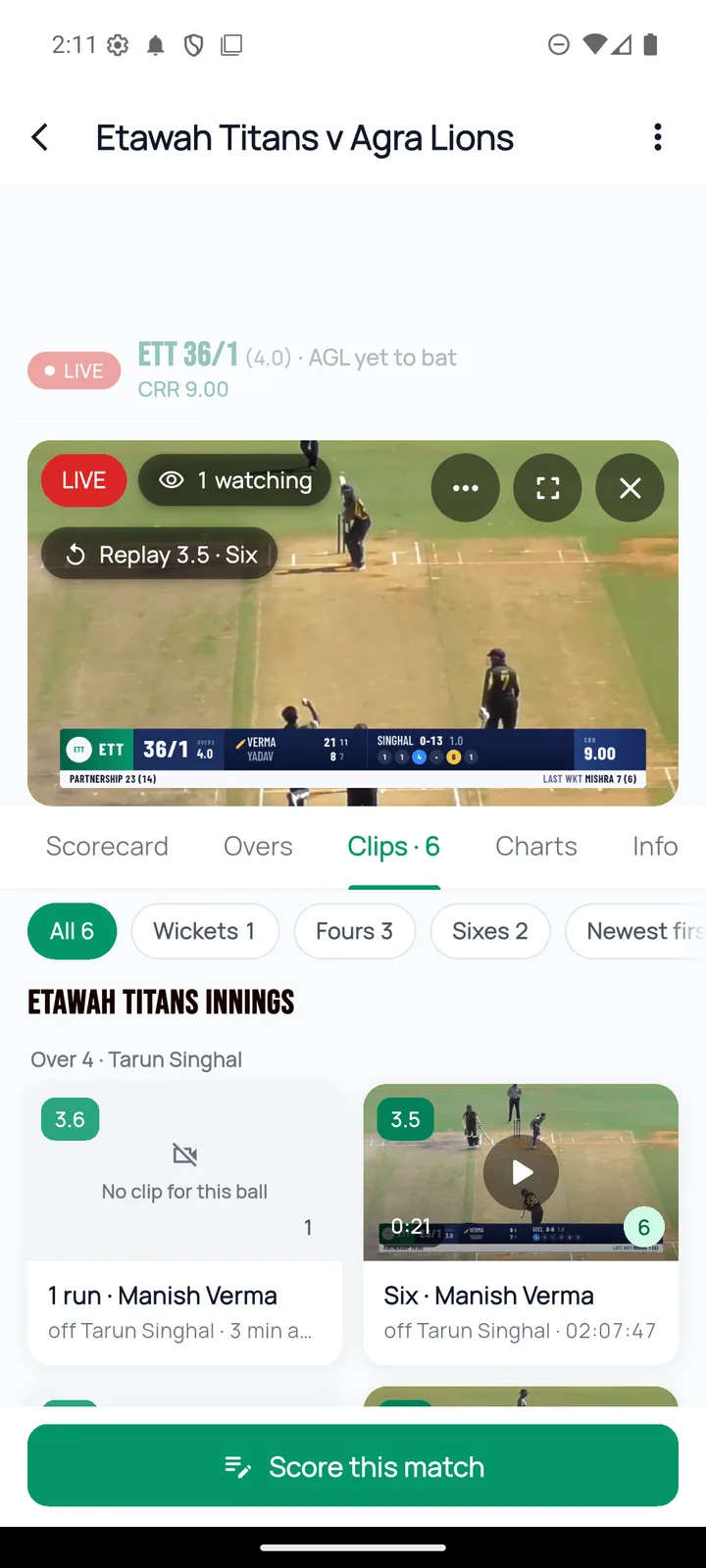
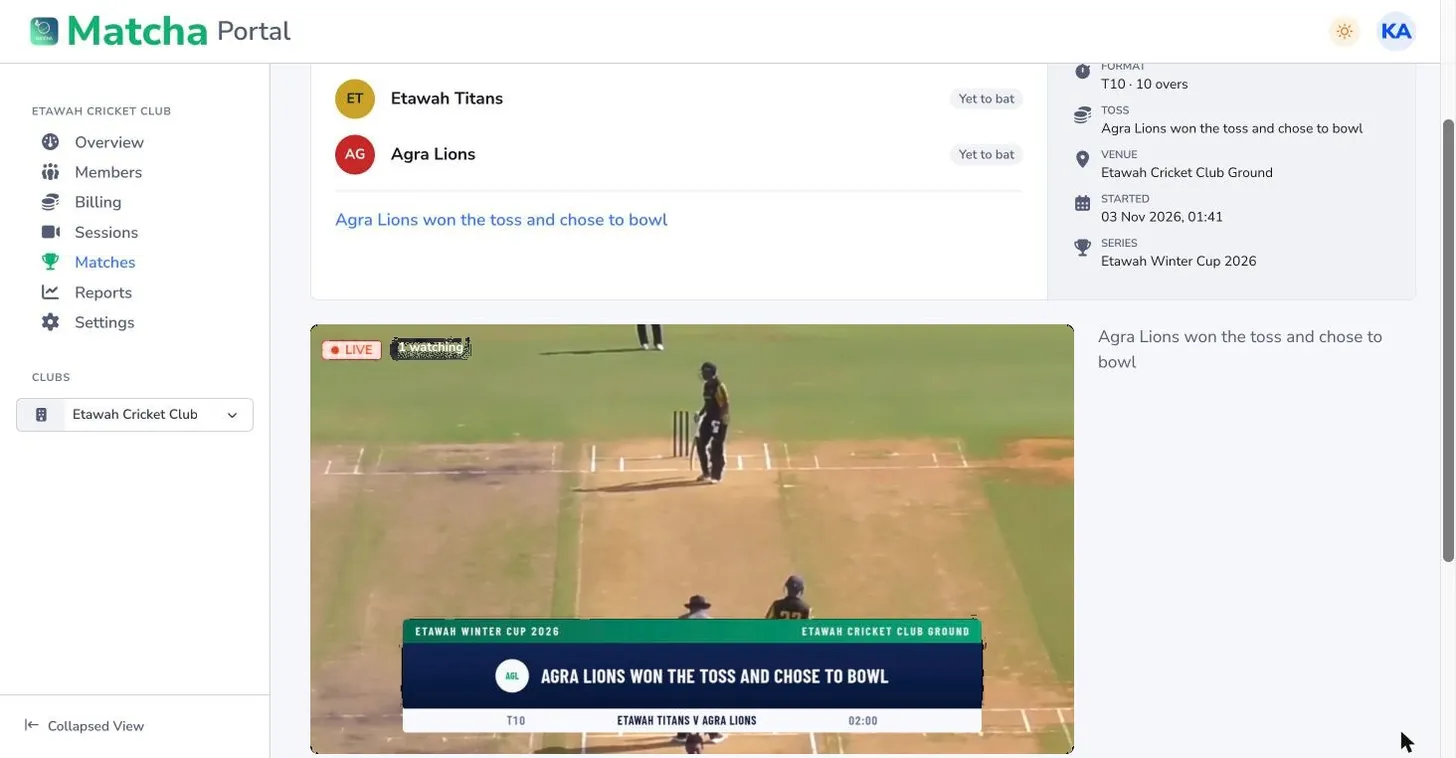
The score, overs, batters and bowler are drawn onto the stream itself, so it reads like a broadcast on your club page, on a public link or on your club's YouTube channel. Use OBS or another camera instead of a phone if you have one.
Live streaming and YouTube are switched on for your club by the Matcha team.
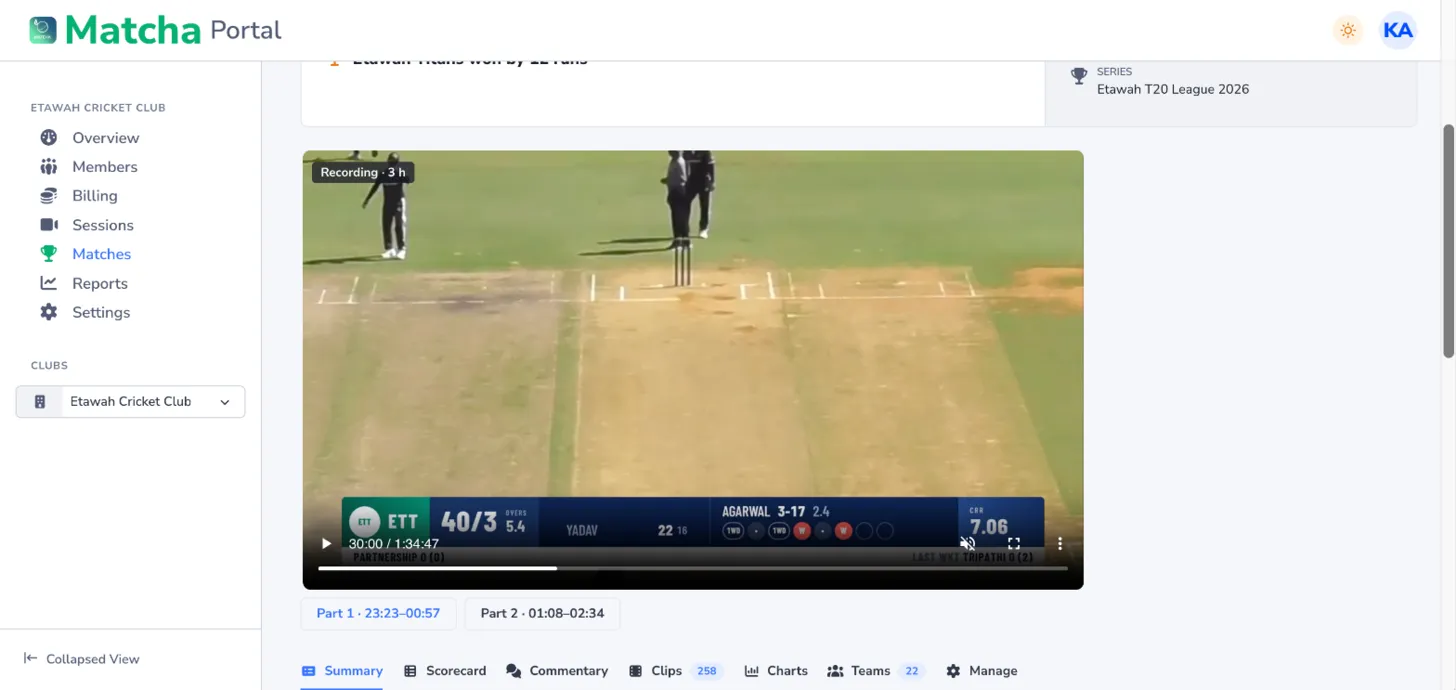
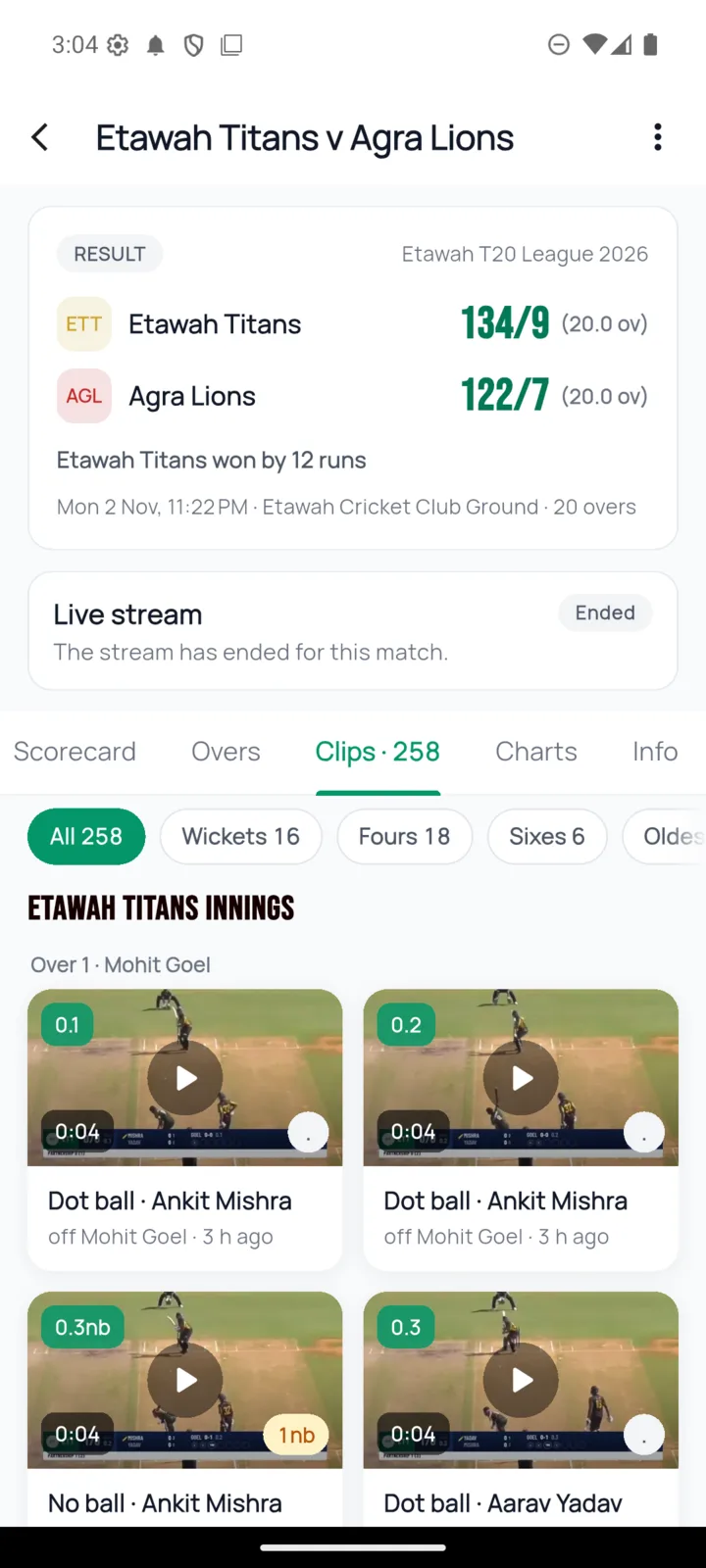
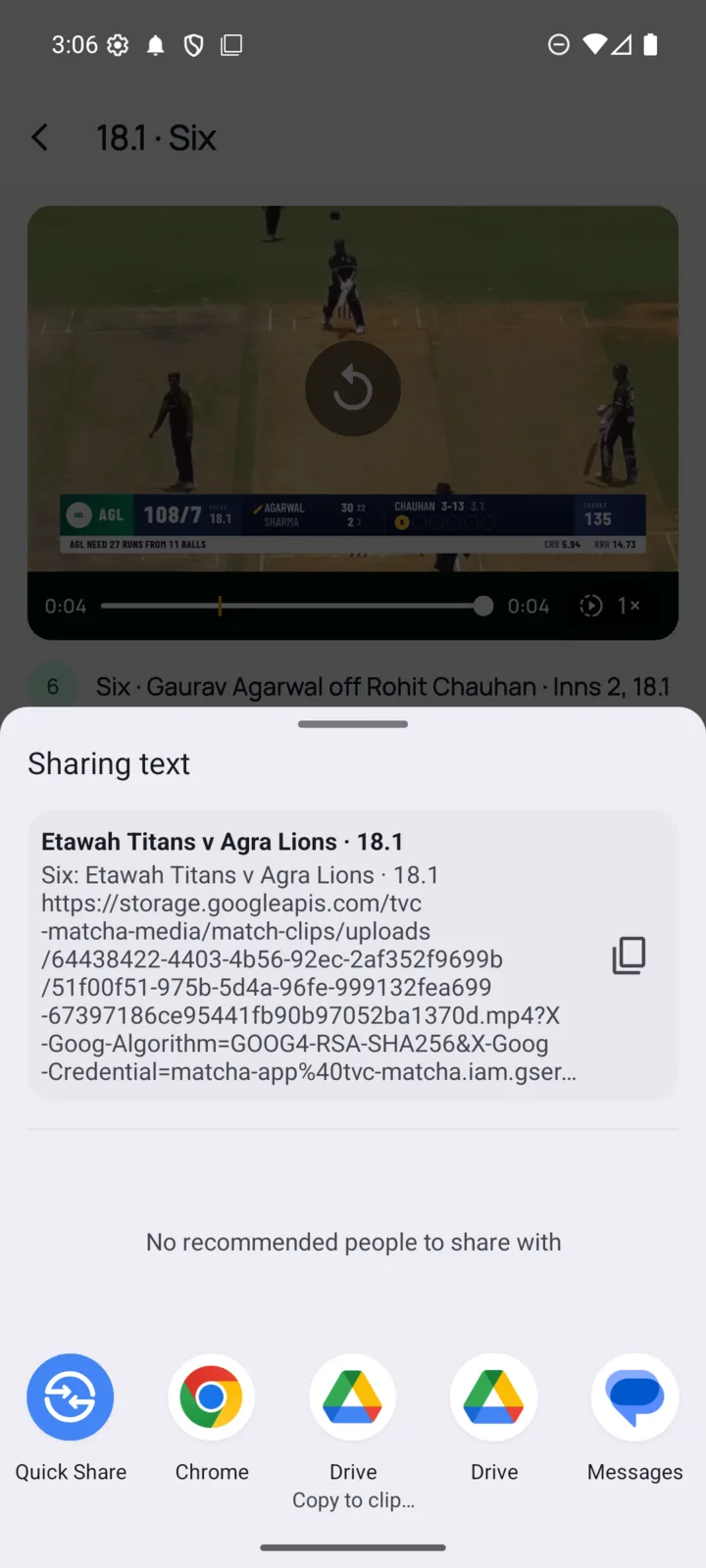
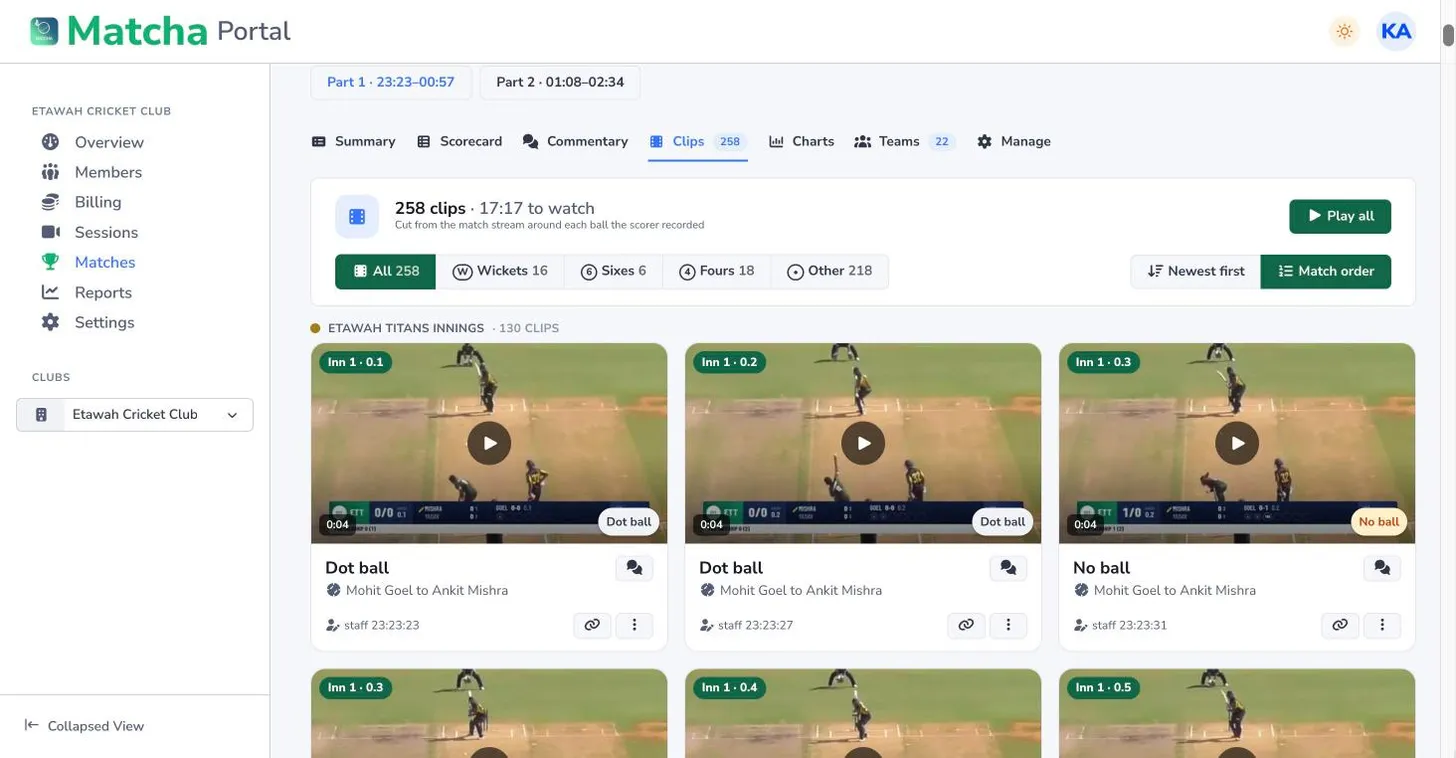
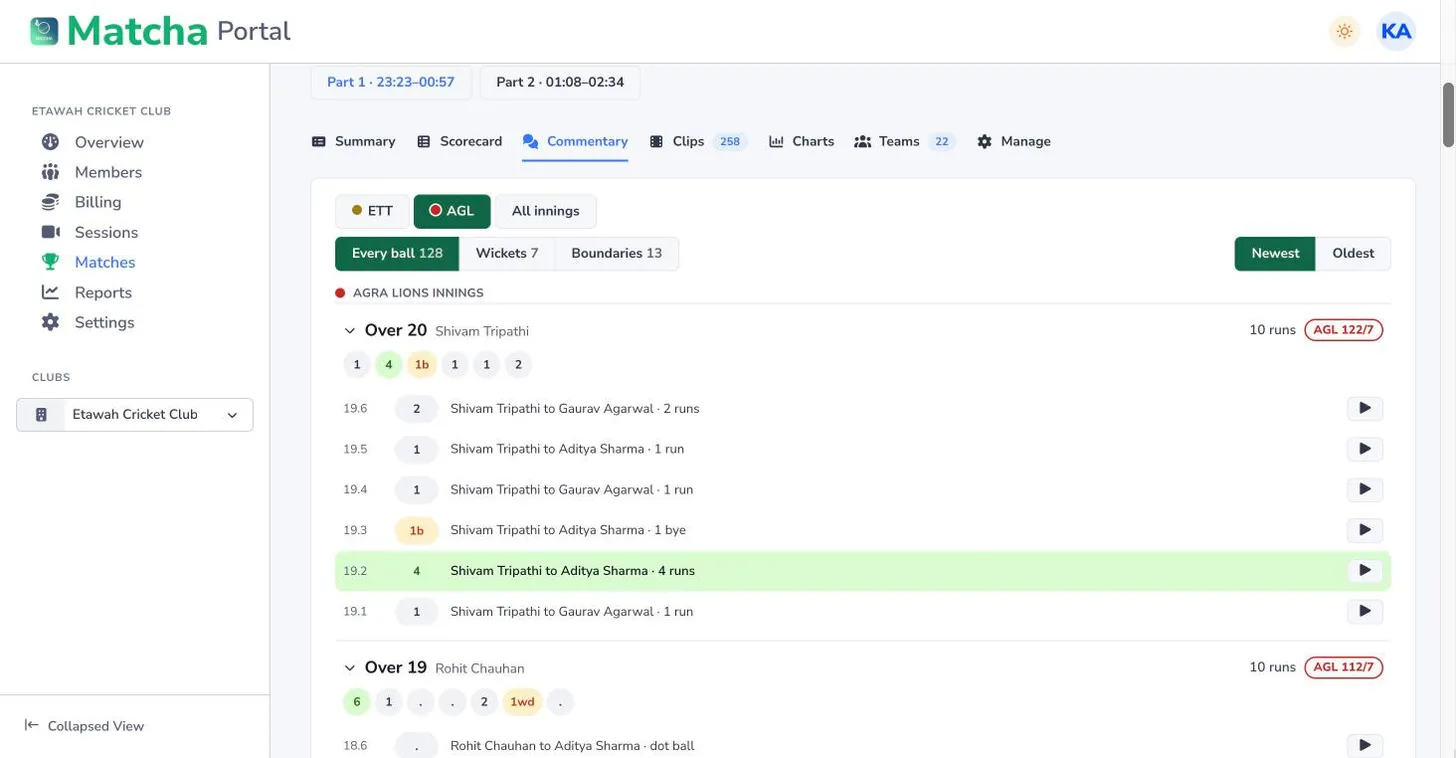
Each scored ball becomes a clip cut from the stream. Members save and share theirs from the app; the portal keeps the whole match as a gallery and a reel, filtered by sixes, fours and wickets.
A bowler's match clip can sit next to the same bowler's net ball from training, with its speed, line and length, so a coach sees the match and the nets side by side.
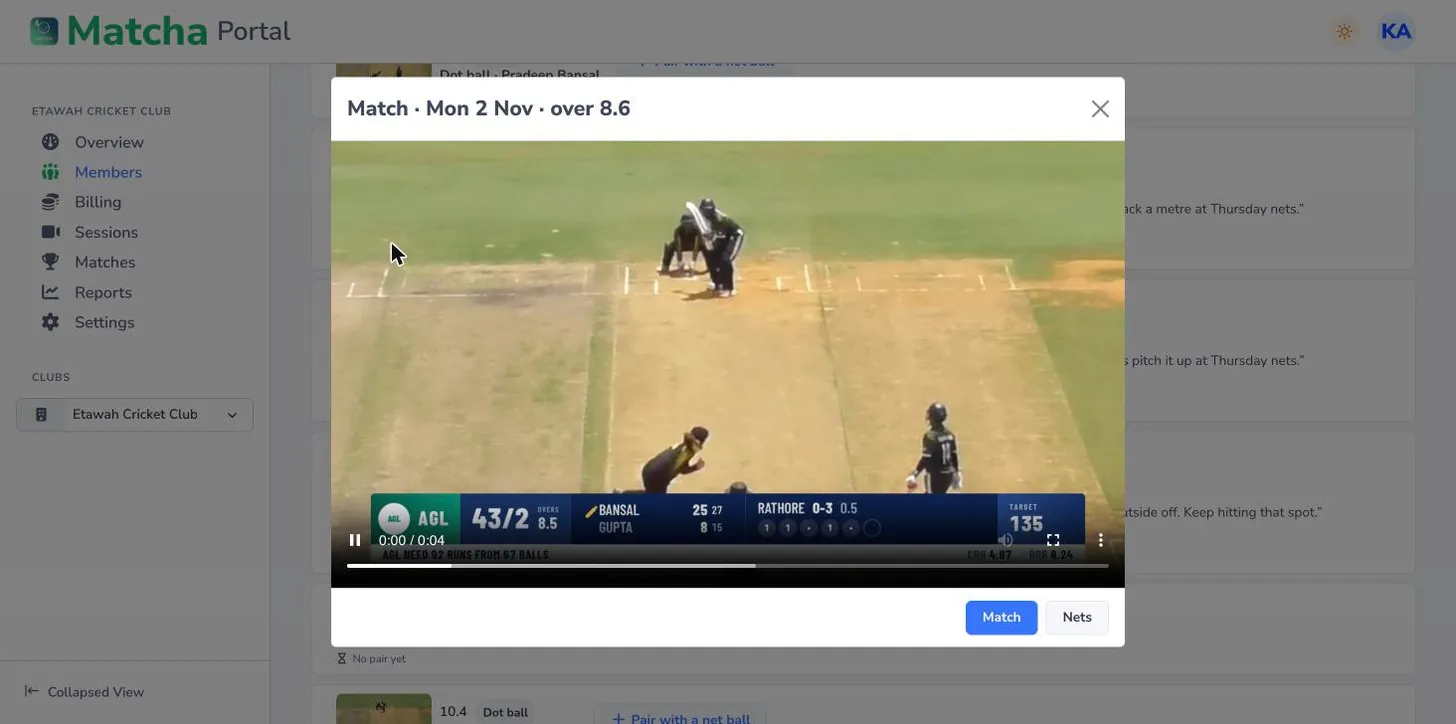
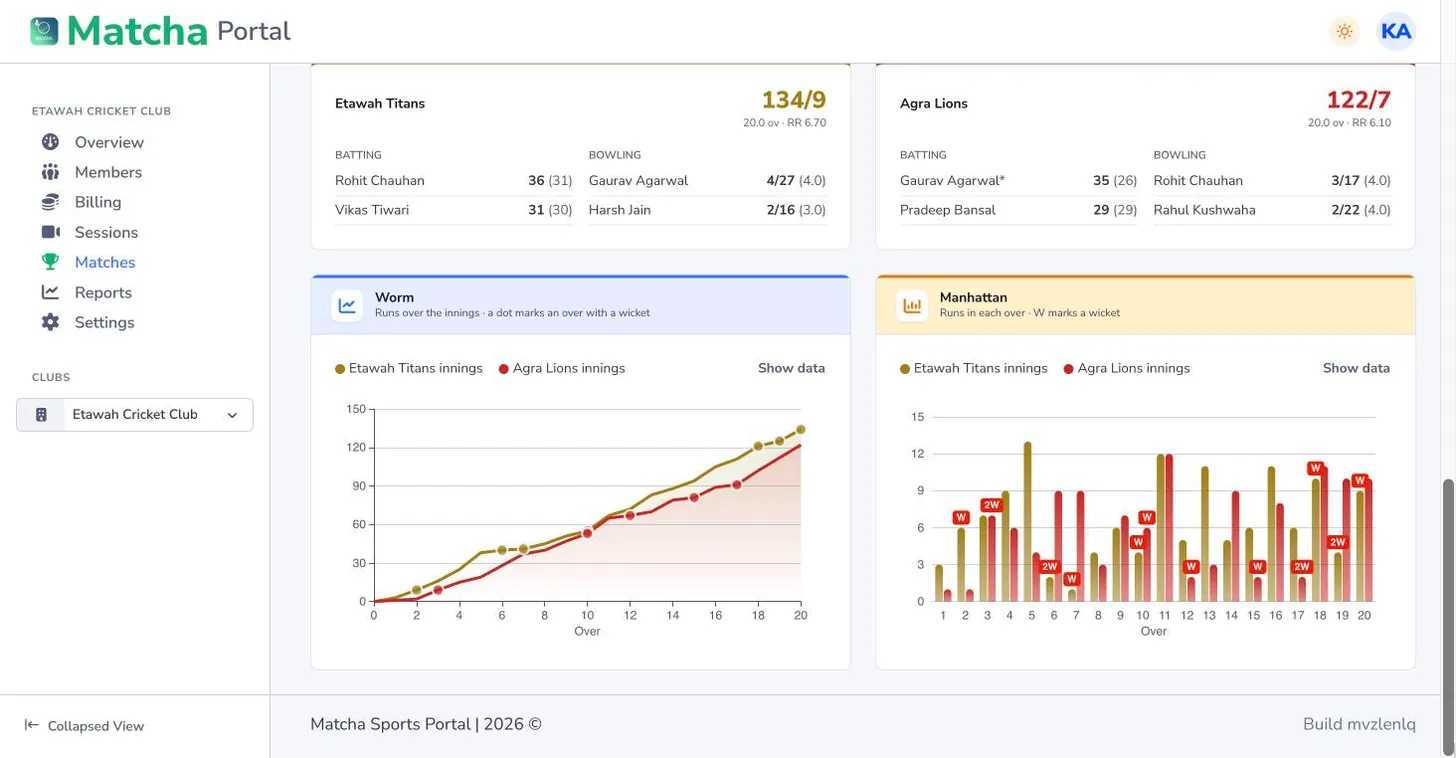
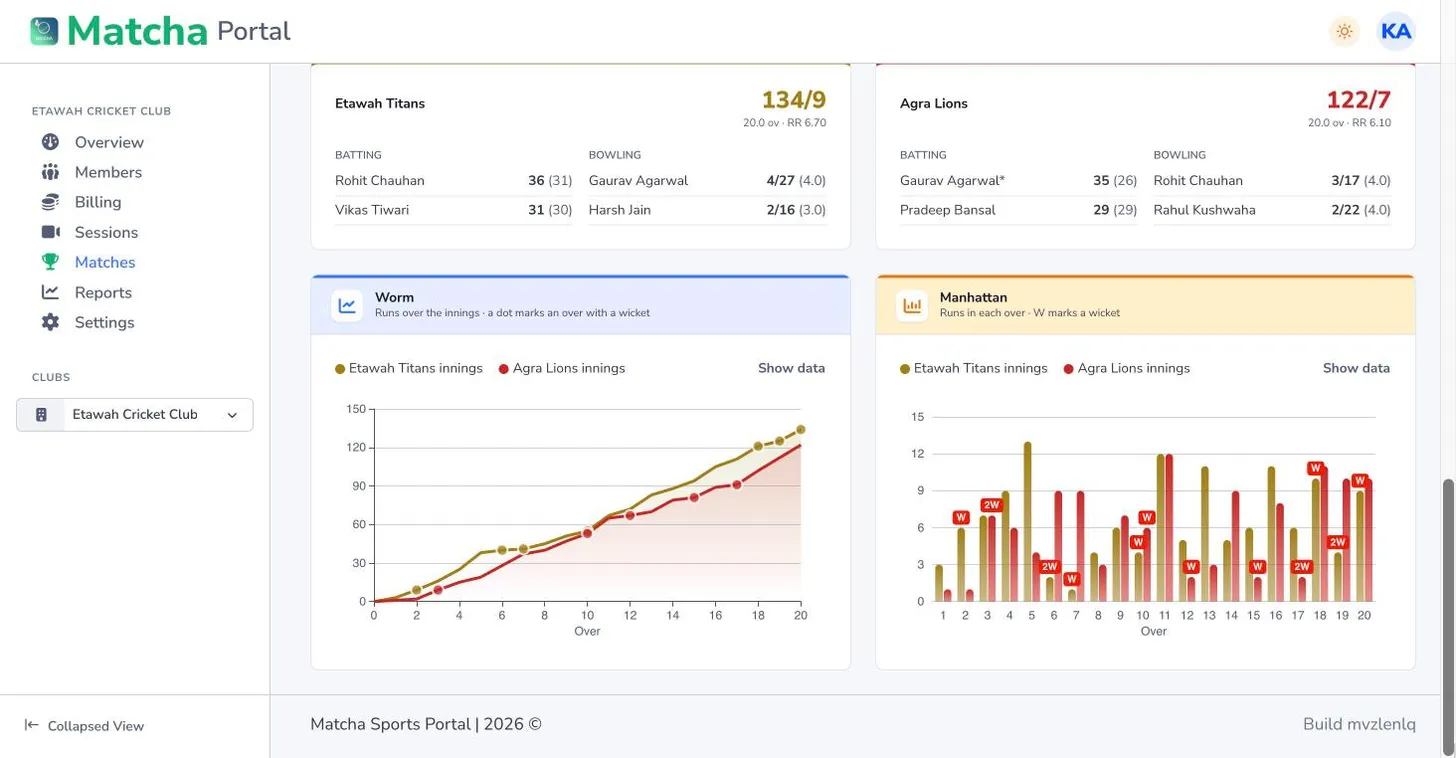
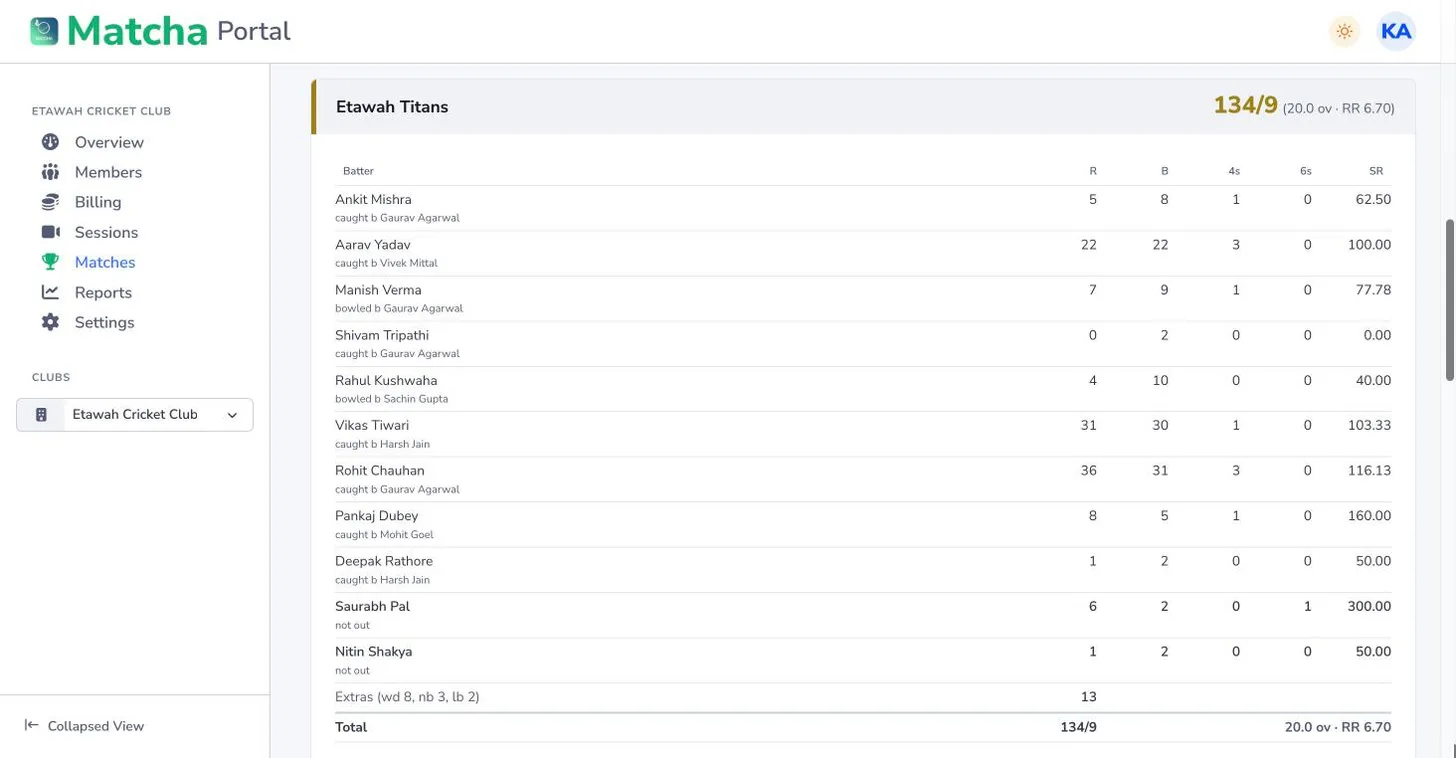
The full scorecard, ball-by-ball commentary with the clip of each ball, the worm, the Manhattan, run rate, partnerships, batting and bowling charts, in the app and on the portal.
The Matcha team sets your club up on the web portal and names its first owner. Players join from the app, and match day runs on the phones you already have.


Clubs, live streaming and YouTube are switched on by the Matcha team. Tell us about your club and we will set it up.